How to Stream NFL, NBA, MLB, and NHL Live with IPTV in 2026: The Ultimate Sports Hub
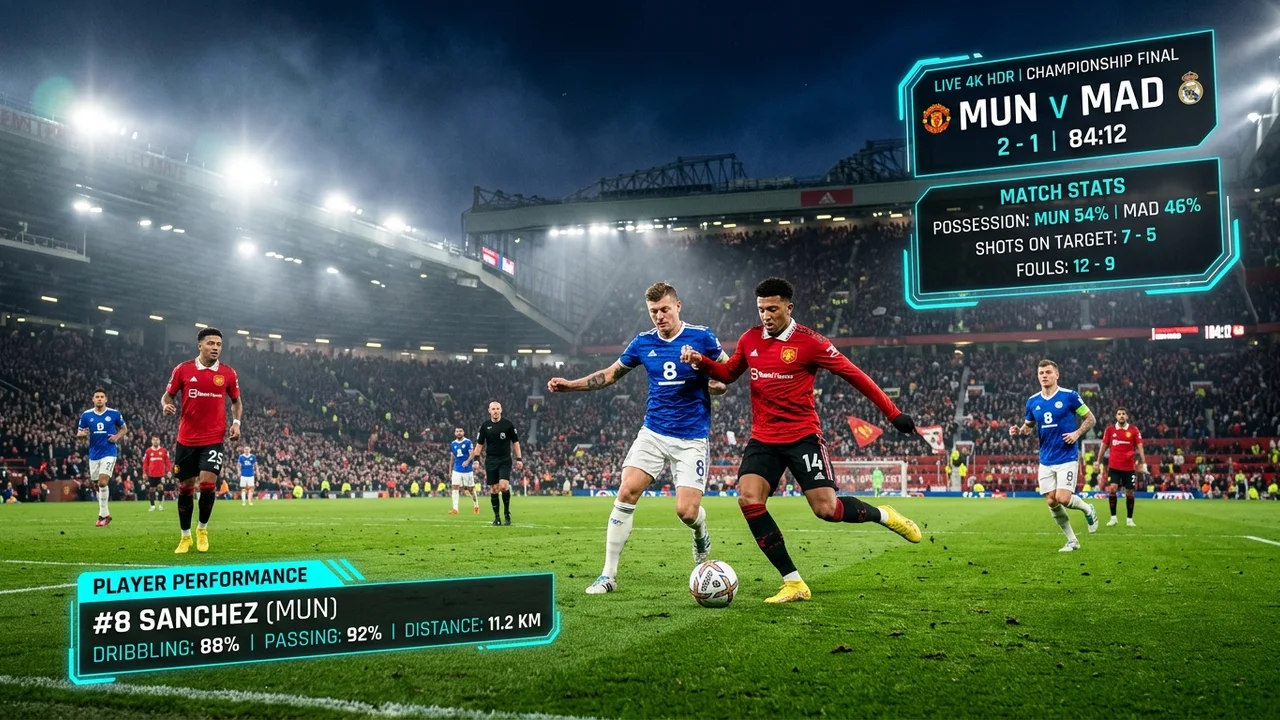
As sports fans increasingly look for flexible, cost-effective ways to watch live games, the traditional cable bundle is no longer the only option. In 2026, streaming live sports over the internet has become the standard. If you want to follow the NFL, NBA, MLB, and NHL without being tied to a rigid satellite dish or cable box, Internet Protocol Television (IPTV) offers a dynamic alternative.
This comprehensive guide will explain how you can stream the four major American sports using IPTV in 2026. We will cover what you need to know about IPTVMap, device setups, and how to optimize your network for the best possible live sports viewing experience. Note that actual channel availability and game coverage depend on your chosen IPTV service and applicable regional broadcasting rights.
Stream 2026 NFL Games in 4K & 60FPS
Get instant access to over 50,000 live sports channels, 120,000+ movies & series, and 24/7 priority sports coverage across all your favorite devices.
1. What Is IPTV and How Does It Work for Live Sports?
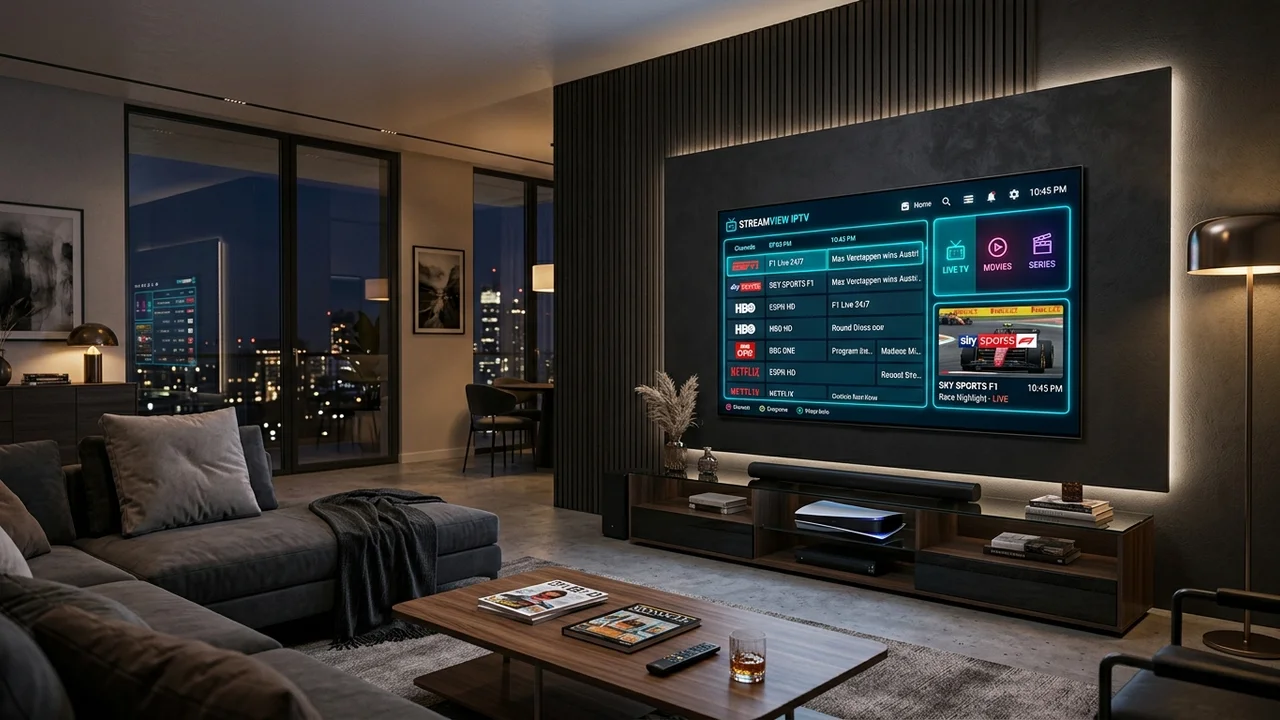
IPTV stands for Internet Protocol Television. Instead of delivering television programs and movies through traditional terrestrial, satellite signal, or cable television formats, IPTV delivers live TV over an internet connection.
This internet-based television delivery means you stream media continuously. For live sports, an IPTV application decodes the incoming data packets and displays the live feed on your screen. The primary differences between traditional TV and IPTV for sports are flexibility and delivery. With IPTV, as long as you have a compatible device, an IPTV application, and sufficient internet bandwidth, you can access your channel lists and watch live sports from virtually anywhere. However, because it relies on the internet, network stability is crucial to avoid buffering during critical plays.
2. Can IPTV Be Used to Watch Live Sports?
Yes, IPTV is widely used to watch live sports, but the experience depends heavily on the provider's available channels and broadcasting rights.
A high-quality IPTV service can aggregate sports channels, live events, and regional sports networks into a single interface. Your subscription plan determines which channels you receive. It is important to clearly understand that not every IPTV provider necessarily carries every NFL, NBA, MLB, or NHL game. Regional blackouts and international broadcasting rights still apply depending on the source of the channel. Always verify current sports and channel availability with your provider before subscribing.
For the best experience, you must also ensure your device compatibility and internet requirements meet the demands of live, high-framerate sports streaming.
3. How to Watch NFL with IPTV in 2026
When football season arrives, capturing every touchdown without interruption is a top priority. NFL regular-season games are broadcast across multiple networks, including CBS, FOX, NBC, ESPN, and digital platforms like Amazon Prime Video.
To watch the NFL via IPTV, you need an IPTV service that carries these live sports channels. Compatible IPTV devices like the Amazon Firestick or Nvidia Shield provide the processing power needed to handle high-definition, 60fps streams. Because football action is fast-paced, high streaming quality and low latency are preferred.
One of the most common NFL streaming problems is network congestion on Sunday afternoons. Ensure your internet connection is optimized (preferably via Ethernet) to maintain a stable feed. For an in-depth look at football streaming, check out our how to watch NFL games live guide.
4. How to Watch NBA with IPTV in 2026
The NBA regular season is a grueling 82-game schedule packed with nightly action. Live basketball is typically broadcast on ABC, ESPN, TNT, NBA TV, and various regional sports networks.
Watching the NBA with IPTV requires access to these specific sports channels. Because basketball involves high-frequency live action and rapid camera panning, your IPTV devices and internet requirements must be capable of sustaining high frame rates without dropping resolution.
If you want to dive deeper into optimizing your basketball viewing setup, including tips on streaming quality and playoffs coverage, read our complete NBA IPTV guide.
5. How to Watch MLB with IPTV in 2026
Baseball fans know that the MLB regular season is a marathon, not a sprint, with 162 games per team. Live baseball is broadcast on FOX, FS1, TBS, ESPN, MLB Network, and regional sports networks (RSNs).
When considering IPTV compatibility for baseball, long viewing sessions are the norm. Streaming quality needs to be consistent over three or more hours. Your internet connection must be stable for extended periods. Note that MLB coverage heavily depends on your location, local broadcast rights, and the specific channel list offered by the IPTV service being used. Do not assume every local regional game is available without checking the channel directory first.
6. How to Watch NHL with IPTV in 2026
The NHL regular season delivers fast-paced, continuous action. Live hockey is broadcast on ABC, ESPN, TNT, and regional networks in the US, while Sportsnet and CBC dominate in Canada.
For NHL fans, sports channels must provide excellent clarity; a low-bitrate stream makes it incredibly difficult to track the fast-moving puck. IPTV compatibility with powerful devices is recommended to process high-quality feeds. As with the other leagues, verify the available channels and remember that no service can guarantee every single out-of-market NHL game due to shifting rights.
Stream 2026 NFL Games in 4K & 60FPS
Get instant access to over 50,000 live sports channels, 120,000+ movies & series, and 24/7 priority sports coverage across all your favorite devices.
7. NFL vs NBA vs MLB vs NHL — IPTV Viewing Differences
Different sports place different demands on your streaming setup. Here is a practical comparison of what to expect and optimize for:
| Sport | Typical Viewing Experience | Important Considerations |
|---|---|---|
| NFL | Fast-paced live games | Kickoff timing, network stability on Sundays |
| NBA | High-frequency live action | HD/4K quality, stable connection for fast motion |
| MLB | Long live broadcasts | Stable streaming for extended viewing |
| NHL | Fast movement and continuous action | Good picture quality and low interruptions |
The Financial Reality: The True Cost of Following All Four Major Leagues
For the dedicated North American sports enthusiast, being forced to purchase separate subscriptions for each major professional league has become an enormous financial burden. In 2026, the cost of legitimately maintaining full out-of-market and in-market access to the NFL, NBA, MLB, and NHL across official channels is staggering:
- NFL Sunday Ticket (YouTube TV): $449 / season (plus the required $72.99/mo base YouTube TV plan).
- NBA League Pass Premium: $149 / season.
- MLB.TV All Teams Package: $149 / season.
- NHL on ESPN+ / NHL.TV: $119 / year.
- Regional Sports Network Direct-to-Consumer Apps: Approximately $25 to $35 / month each (NESN 360, YES App, FanDuel Sports Network, Marquee). Across twelve months, this exceeds $360 / year.
- Exclusive Digital Streaming Apps: Amazon Prime Video ($139/yr), Peacock Premium ($79/yr), and Apple TV+ ($119/yr) for exclusive Friday night baseball.
Total Annual Cost of Official Subscriptions: $1,400+ Every Year
Paying over $1,400 annually just to watch sports—while still suffering from regional blackout restrictions on home team games—has made traditional multi-subscription cord-cutting impractical for sports fans.
This financial breaking point is why hundreds of thousands of multi-sport fans choose IPTVMap and our all-inclusive subscription plans. A single subscription delivers every NFL game, every NBA matchup, all 162 MLB games per team, and the entire NHL season in 60fps for a fraction of the cost of a single league's digital pass.
In-Depth Guide: Streaming Major League Baseball (MLB) with IPTV
With 30 teams each playing 162 regular season games from late March through October, Major League Baseball represents the highest volume of live sporting events in the world:
The Fragmented MLB Broadcast Rights in 2026
- Local Regional Networks (RSNs): Over 85% of all MLB games are produced and broadcast by local regional sports networks (such as Spectrum SportsNet LA for Dodgers, YES Network for Yankees, MASN for Orioles/Nationals, and NBC Sports regional networks).
- Apple TV+ "Friday Night Baseball": Two exclusive weekly national games featuring dedicated spatial audio and 4K HDR production.
- FOX / FS1 "Baseball Night in America": Prime Saturday national telecasts and holiday doubleheaders.
- ESPN "Sunday Night Baseball": The premier weekly national baseball showcase featuring extensive Statcast graphics and live dugout interviews.
- TBS Tuesday Night Baseball: Key late-season pennant race matchups leading into the Postseason.
Overcoming Baseball Blackout Rules
Under traditional MLB.TV rules, local blackouts are notoriously punitive. If you live in Iowa or Las Vegas, you are blacked out from up to six different MLB teams simultaneously, even though none of those teams play in your state.
On IPTVMap's live channels, every single local broadcast feed (Home and Away) is transmitted without geographical IP restrictions, allowing you to follow your hometown team from opening pitch to the final out of the World Series.
In-Depth Guide: Streaming the National Hockey League (NHL) with IPTV
Ice hockey is widely considered the most technically challenging sport to broadcast. A 3-inch vulcanized rubber puck moving at speeds up to 105 mph against a brilliant white ice surface requires uncompromising stream fidelity.
Why 60fps and High Bitrate Are Non-Negotiable for Hockey
- Puck Tracking: At 30fps, a slap shot from the blue line literally disappears between frames, making it impossible to see whether a shot was deflected or cleanly stopped by the goaltender. At 60fps, the puck's trajectory remains sharp and visible across every stride.
- Ice Surface Artifacts (Macroblocking): Traditional cable and low-bitrate OTT streams suffer from severe visual artifacting on white ice surfaces. Rapid camera tracking creates pixelation clusters that muddy player skates. High-bitrate HEVC streams on IPTVMap preserve ice texture, skate marks, and crisp red/blue line demarcations.
- Out-of-Market Feeds: Access every local Canadian (Sportsnet, TSN) and US regional sports network for every regular-season game and the complete Stanley Cup Playoffs.
The "Sports Equinox": The Ultimate Multi-Screen Streaming Masterclass
Every October, a rare and thrilling phenomenon occurs in North American sports: the Sports Equinox, where all four major leagues—NFL, NBA, MLB, and NHL—play live games on the exact same calendar day.
Setting up your home theater for the Sports Equinox with IPTVMap transforms your living room into a high-tech Las Vegas sportsbook:
The Quad-Screen Multi-View Setup
Using modern media players like TiviMate on an Android TV or Firestick 4K Max:
- Top-Left Tile (40% screen): Live NFL Sunday Night Football broadcast in 1080p 60fps.
- Top-Right Tile (20% screen): World Series Game 3 or 4 live baseball.
- Bottom-Left Tile (20% screen): Opening week NBA Western Conference rivalry game.
- Bottom-Right Tile (20% screen): NHL divisional hockey matchup.
With a single tap on your remote's directional d-pad, you can cycle audio focus instantly to whichever game enters a two-minute drill, extra innings, or power play.
Technical Comparison Matrix: Video & Audio Specs Across the 4 Leagues
The table below summarizes the technical broadcast specifications, typical stream bitrates, and key broadcast requirements across all four major professional leagues:
| League | Season Duration | Games Per Team | Native Broadcast Frame Rate | Recommended Bitrate | Key Broadcast Challenge |
|---|---|---|---|---|---|
| NFL | Sept – Feb | 17 games + Playoffs | 60 fps | 12 – 18 Mbps | Extreme primetime server congestion during playoffs |
| NBA | Oct – June | 82 games + Playoffs | 60 fps | 10 – 16 Mbps | Fast transition motion blur on court hardwood |
| MLB | March – Nov | 162 games + World Series | 60 fps | 8 – 14 Mbps | High-speed pitch tracking and slow-motion replays |
| NHL | Oct – June | 82 games + Stanley Cup | 60 fps | 12 – 18 Mbps | High-contrast white ice glare and puck motion |
The Master 2026 Sports Calendar: Key Dates Across All 4 Leagues
Planning your sports viewing schedule across multiple overlapping seasons requires knowing when marquee championship events take place:
Quarter 1 (January – March): Winter Drama & Playoff Climax
- Mid-January: NFL Wild Card Weekend and Divisional Playoffs.
- Late January: NFL Conference Championships and NHL All-Star Game.
- Early February: Super Bowl LXI—the single biggest live television broadcast on Earth.
- Mid-February: NBA All-Star Weekend and MLB Spring Training pitchers and catchers report.
- March: NCAA March Madness Tournament (67 live basketball games in 3 weeks).
- Late March: MLB Opening Day—30 teams take the field for a new baseball marathon.
Quarter 2 (April – June): Championship Season
- Mid-April: NBA Play-In Tournament and Start of NBA Playoffs; NHL Stanley Cup Playoffs commence.
- Late April: The NFL Draft (three days of franchise-altering prospect selections).
- May: NBA Conference Semifinals & Finals; NHL Conference Finals.
- June: The NBA Finals on ABC and the Stanley Cup Final on TNT/ESPN; MLB regular season heats up with rivalry series.
Quarter 3 (July – September): Summer Classics & Gridiron Returns
- July: MLB All-Star Game and Home Run Derby; NBA Las Vegas Summer League.
- August: NFL Preseason games begin; MLB pennant races intensify.
- Early September: NFL Kickoff Game on NBC and Week 1 Sunday afternoon games.
Quarter 4 (October – December): The Autumn Glory
- Early October: MLB Wild Card Series and Division Series; NHL regular season begins; NBA regular season opens.
- Late October: The MLB World Series and the legendary Sports Equinox.
- November: NBA Emirates In-Season Tournament group play; NFL Thanksgiving Tripleheader.
- December: NFL Saturday doubleheaders, Christmas Day NFL & NBA showcases, and college football bowl games.
Beyond North American Big Four: Soccer, Motorsport & Combat Sports
While American sports fans prioritize the NFL, NBA, MLB, and NHL, a truly elite sports streaming service must cater to the global sporting universe. On IPTVMap and our channel directory, you also receive full live coverage of:
1. European & Global Soccer (Football)
- UEFA Champions League & Europa League: Every Tuesday and Wednesday matchday featuring Europe's elite clubs in 4K HDR.
- English Premier League (EPL): Complete 380-match season across NBC Sports, USA Network, and international 4K feeds with native British commentary.
- La Liga, Serie A & Bundesliga: Live coverage of Real Madrid, Barcelona, Juventus, Bayern Munich, and Inter Milan.
- Major League Soccer (MLS): Full regular season and MLS Cup Playoffs.
2. Motorsport: Formula 1, NASCAR & IndyCar
- Formula 1 World Championship: Every practice session, qualifying shootout, and Sunday Grand Prix broadcast in pristine 60fps with choice of Sky Sports F1 commentary or pitlane tactical channels.
- NASCAR Cup Series & Xfinity Series: Daytona 500, Coca-Cola 600, and championship playoffs.
3. Combat Sports: UFC PPV, Boxing & WWE
- UFC Pay-Per-View Events: Full main cards, preliminary bouts, and championship title fights broadcast in HD and 4K without requiring individual $80 PPV fees.
- Championship Boxing: Top Rank, Matchroom, and Premier Boxing Champions showcase bouts.
- WWE & AEW: Royal Rumble, WrestleMania, SummerSlam, and weekly Monday Night Raw / SmackDown broadcasts.
RV and Mobile Tailgating Setup for Multi-Sport Fans
For sports fans who travel in recreational vehicles (RVs) or set up elaborate stadium tailgating setups, keeping all four sports active on game day requires specialized mobile connectivity:
- Starlink Roam / Mini Integration: Starlink provides high-bandwidth, low-latency satellite internet directly to RV campsites and remote stadium parking lots, enabling multi-stream playback where cellular towers are congested.
- 12V DC Direct Power Streaming: Running an Apple TV or Fire TV Stick directly from your RV's 12V battery system via a dedicated USB-C PD converter eliminates the energy loss of traditional power inverters.
- Outdoor Weatherproof Displays: Pair high-brightness (1,500+ nits) outdoor displays with soundbars mounted under RV awnings to create the ultimate game day destination for fellow fans.
Audio Customization: Local Radio Sync vs. TV Commentary
One of the most requested features among diehard sports fans is the ability to listen to their beloved hometown radio broadcasters rather than national television announcers:
- With dual-audio and external audio passthrough supported on premium IPTV players, you can sync live local radio audio feeds to your live television broadcast.
- Simply use the audio offset slider in your player's sound menu to align radio play-by-play commentary with the visual action on screen.
Frequently Asked Questions
8. Best Devices for Live Sports IPTV
To get the most out of your live sports streams, choosing the right hardware is essential.
- Smart TVs: Many modern Android TVs and LG/Samsung models support native IPTV apps.
- Firestick / Fire TV: Excellent, cost-effective devices for IPTV.
- Android TV Boxes: Devices like Nvidia Shield offer premium processing for 4K streams.
- Apple TV: Great for users in the Apple ecosystem, where supported by specific apps.
- Smartphones & Tablets: Perfect for watching games on the go.
- Computers: Browsers and desktop apps provide a versatile backup option.
For help configuring these devices, you can refer to our installation guide.
9. Internet Speed for Sports IPTV
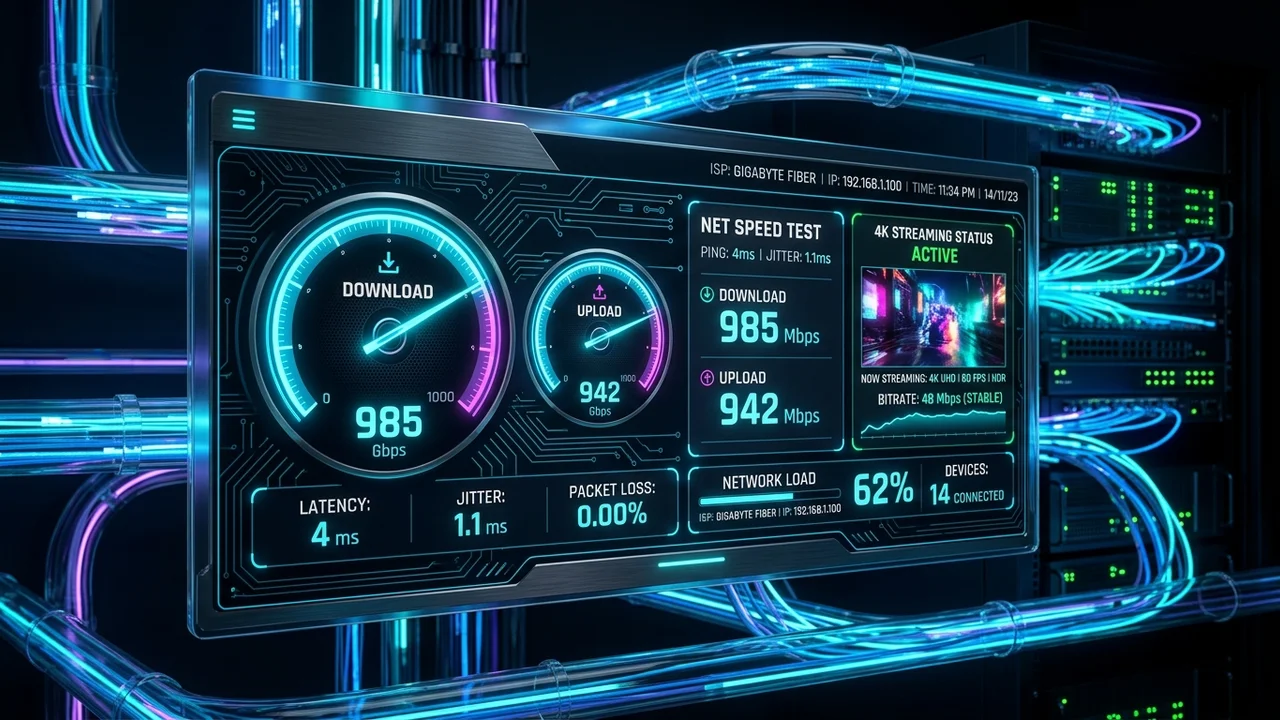
Why does a stable connection matter? Live sports cannot be heavily pre-buffered like a Netflix movie. You are downloading the feed in real-time.
Your download speed, network stability, and Wi-Fi quality are the pillars of a good experience. While a 25 Mbps connection might suffice for a single 1080p stream, network congestion and latency can cause buffering. If you have multiple devices streaming simultaneously, your bandwidth requirements multiply. Whenever possible, use an Ethernet cable rather than Wi-Fi to eliminate wireless interference and reduce latency.
10. How to Get Better Live Sports Streaming Quality
You can dramatically improve your live sports streaming quality with a few practical recommendations:
- Use a stable internet connection.
- Prefer Ethernet where practical over Wi-Fi.
- If using Wi-Fi, ensure a strong 5GHz signal.
- Reduce unnecessary network traffic (e.g., pause large downloads).
- Close unnecessary background applications on your streaming device.
- Keep the IPTV app updated to the latest version.
- Keep the streaming device firmware updated.
- Restart your router and modem when appropriate.
- Check display/HDMI connections for hardware issues.
11. Common IPTV Problems During Live Sports
Even the best setups can experience hiccups. Here is how to handle common issues:
Buffering
Buffering happens when your internet connection cannot download the video feed fast enough. Common causes include network congestion or ISP throttling. The best fix is switching to an Ethernet connection and restarting your router.
Channel Not Loading
If a channel fails to load, it could be a dead link or a temporary server outage on the provider's end. Try loading a different channel to confirm if the issue is isolated. Updating your playlist often resolves this.
Poor Picture Quality
Poor picture quality usually stems from a low-quality source stream or a drop in your network stability causing the app to automatically lower the resolution. Ensure your display settings match the stream output.
Audio Problems
If audio is out of sync or missing, try restarting the IPTV app. Changing the audio decoder settings within your IPTV player app can also resolve codec mismatches.
Login Problems
If you cannot log in, verify your credentials and ensure your subscription status is active. Device or application caching issues can also cause login loops—try clearing the app cache.
IPTV App Crashing
If your app frequently crashes, it may be out of memory. Close background apps, clear the cache, or reinstall the application for a fresh start. For more technical support, visit our FAQ page.
12. How to Prepare Before a Big Game
Don't wait until the opening whistle to test your setup. Follow this pre-game checklist:
- Test the internet: Run a quick speed test to ensure stable bandwidth.
- Open the IPTV app before the event: Log in 15 minutes early to avoid server rush.
- Check the sports channel: Verify the channel is broadcasting the pre-game show smoothly.
- Confirm subscription status: Ensure your account is active to avoid mid-game cutoffs.
- Check device updates: Do not start a system update 5 minutes before kickoff.
- Close unnecessary apps: Free up your device's memory.
- Reduce network traffic: Ask family members to pause heavy downloads.
- Test playback: Ensure audio and video are perfectly synced before the first pitch or puck drop.
13. Watching NFL, NBA, MLB and NHL with IPTVMap
If you are looking for a reliable service, the IPTVMap service provides a premium viewing experience designed for modern streaming demands.
With IPTVMap, users can access a massive library of channels and VODs. When paired with a strong internet connection, IPTVMap delivers smooth, high-quality sports streams for fans of all major leagues. We recommend exploring our subscription plans to find the package that best fits your household's needs. You can also view our channel directory to see what content is available. If you have any questions before joining the IPTVMap platform, feel free to reach out to our contact support team.
14. How to Choose an IPTV Service for Sports
When selecting an IPTV provider for live sports, consider this objective buying guide. You should evaluate:
- Sports/channel availability: Do they offer the networks that carry your favorite teams?
- Device compatibility: Does the service work on your preferred TV or streaming stick?
- Streaming quality: Are high framerates (60fps) and HD/4K options supported?
- Connection stability: Is the service known for reliable uptime?
- Pricing: Are the subscription terms clear and competitive?
- Support: Is there an accessible support team for troubleshooting?
- Ease of setup: Is it simple to install and update?
Always verify current sports coverage and test the service using a trial if available before committing to a long-term plan.